
Why AI Video Ads Look Fake: 7 Mistakes and Editor Fixes
Updated 16 Oct 2026 by the OnsetFrame team
AI video ads look fake when the product changes between shots, surfaces look too glossy, hands and liquids move wrongly, the voice sounds flat, the setting does not feel Indian, the pacing drifts, or an AI person is passed off as a real customer. Editors fix this by checking every frame against real product photos, cutting weak shots, toning down gloss, writing the script to be spoken, briefing local details and keeping AI presenters honest.
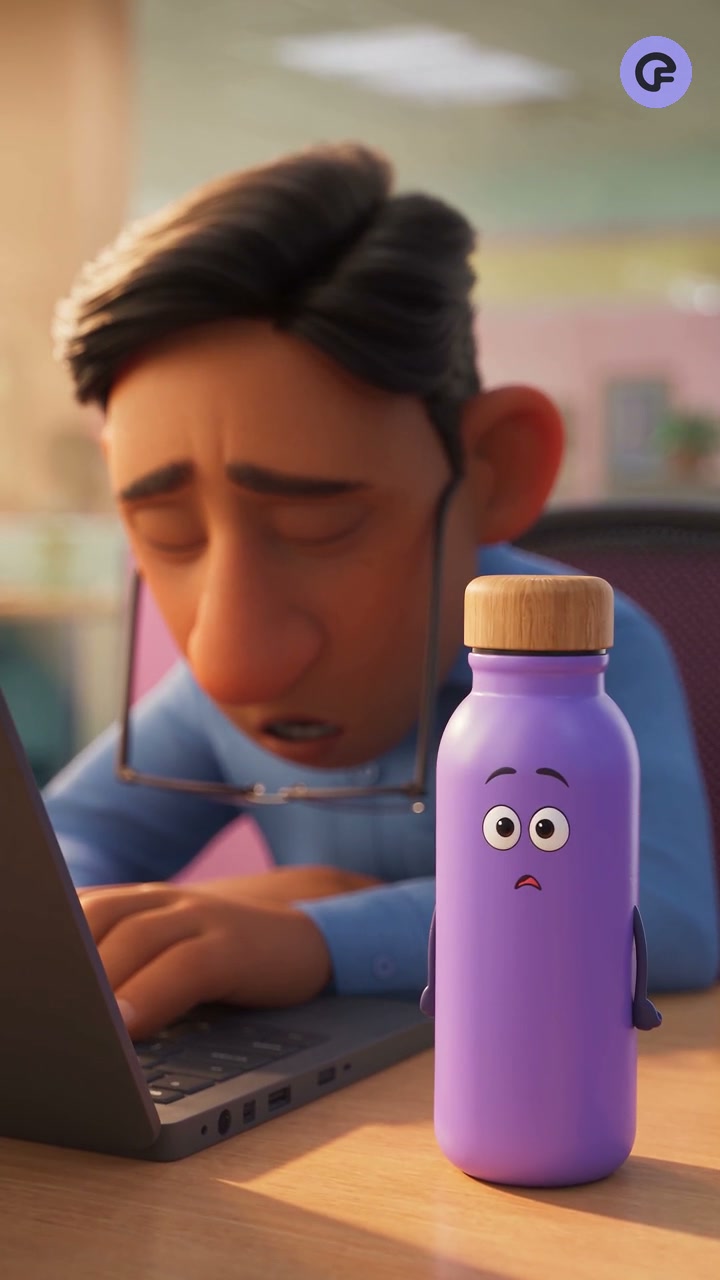
Mistake 1: The product changes from shot to shot
This is the biggest giveaway. Logo letters melt, the label turns to gibberish, a ring gains an extra stone or a bottle cap changes colour halfway through. Buyers who know your product notice at once, and the ad can feel misleading.
The fix is a frame-by-frame check against the real product photos. Editors cut or regenerate any shot that drifts and keep close-ups nearest to the real photo. Brand names, offers and claims go in as text during the edit, so the AI never has to draw them.
Mistake 2: Everything looks too polished
Plastic skin, mirror-shine surfaces, perfect symmetry and studio light in a home kitchen. Real phone footage has small flaws. When none are there, viewers read it as AI.
Editors brief for daylight and ordinary rooms. In the colour grade they lower saturation and sharpening, then add light grain so AI shots sit closer to real footage. For skincare and jewellery, keep texture visible. Smoothed skin or flawless metal looks like a render.
Mistake 3: Hands and physics go wrong
Extra fingers, a hand passing through a box, cream that never spreads, tea that pours the wrong way. These moments are brief, but people replay them and comment.
- Cut just before the hand touches the product, then show the result
- Keep hands partly out of frame when the action is not the point
- Cover a weak moment with a real product photo as a cutaway
- Skip pouring, spreading or folding shots unless a clean take exists
Mistake 4: The voice sounds robotic
Flat delivery, odd pauses and a brand name said three different ways all make an ad feel machine-made. Hindi or Tamil read with English stress sounds wrong to native speakers.
Write the script to be spoken, in short lines. Spell tricky names phonetically for the voiceover. Ask a native speaker to listen once. If no voice sounds natural, run the ad with music and captions only.
Mistake 5: The setting does not look Indian
Unless you say otherwise, AI often defaults to Western homes, clothes and food. An Indian buyer who sees a carpeted room with a fireplace no longer feels the ad is about them.
Name the local details in the brief: a steel dabba, a pressure cooker, a balcony with plants, kurtas, festival lights in the right season. Then check details like rangoli, puja items and regional dress. A wrong detail does more damage than leaving it out.
Mistake 6: The pacing drifts
Many AI clips have slow, floating camera moves, and nothing happens at the start. The ad feels like a screensaver.
Editors trim each shot to the moment of action and put the product or the problem on screen in the opening seconds. They change the picture often and cut any dead time at the end. Many people watch without sound, so the captions should carry the message on their own.
Mistake 7: An AI person is passed off as a real customer
An AI face saying 'I have used this every day and love it' is a fake review. Viewers often work it out, and then they stop trusting your other ads too.
Use AI people as presenters or models, never as customers sharing personal results. Keep claims to what the product is and does, and follow the current rules of the platform you advertise on. Reviews should come from real buyers, with their permission.
A quick check before you publish
Watch the ad three times on a phone: once at full speed, once with the sound off and once frame by frame.
At OnsetFrame, human editors check each video against the real product before delivery. One round of changes is included, so you can flag anything that still looks off.
- Does the product match the real one in every shot?
- Is every word on screen spelled correctly?
- Would a native speaker accept the voiceover?
- Does the first shot show the product or the problem?
- Is any AI person presented as a real customer?
Questions people ask
Can viewers always tell an ad was made with AI?
Not always. People notice mistakes more than the method. An AI ad that has been checked properly, with an accurate product, natural light and a clear voice, can sit comfortably next to shot footage. Being open about using AI is still the honest choice.
Should I use AI people in my ads?
Yes, as presenters or models, as long as they are not shown as real customers. Do not script them to share personal results or reviews.
What should I send to avoid product errors?
Clear photos of the product from several angles, close-ups of the logo and label, and a note on any detail that must never change, such as colour, stone count or cap shape. The more reference the editor has, the easier it is to catch drift.
Does OnsetFrame fix these issues before delivery?
Human editors check every OnsetFrame video against your real product before the preview reaches you, and one round of changes is included. Videos are up to 30 seconds, vertical 9:16, for Reels, Shorts and Meta ads. Send an enquiry to get a quote.